
How to host a private poker night online
Create a private room, choose the game and stakes, and share one link: a poker night with your friends, no hosting required.
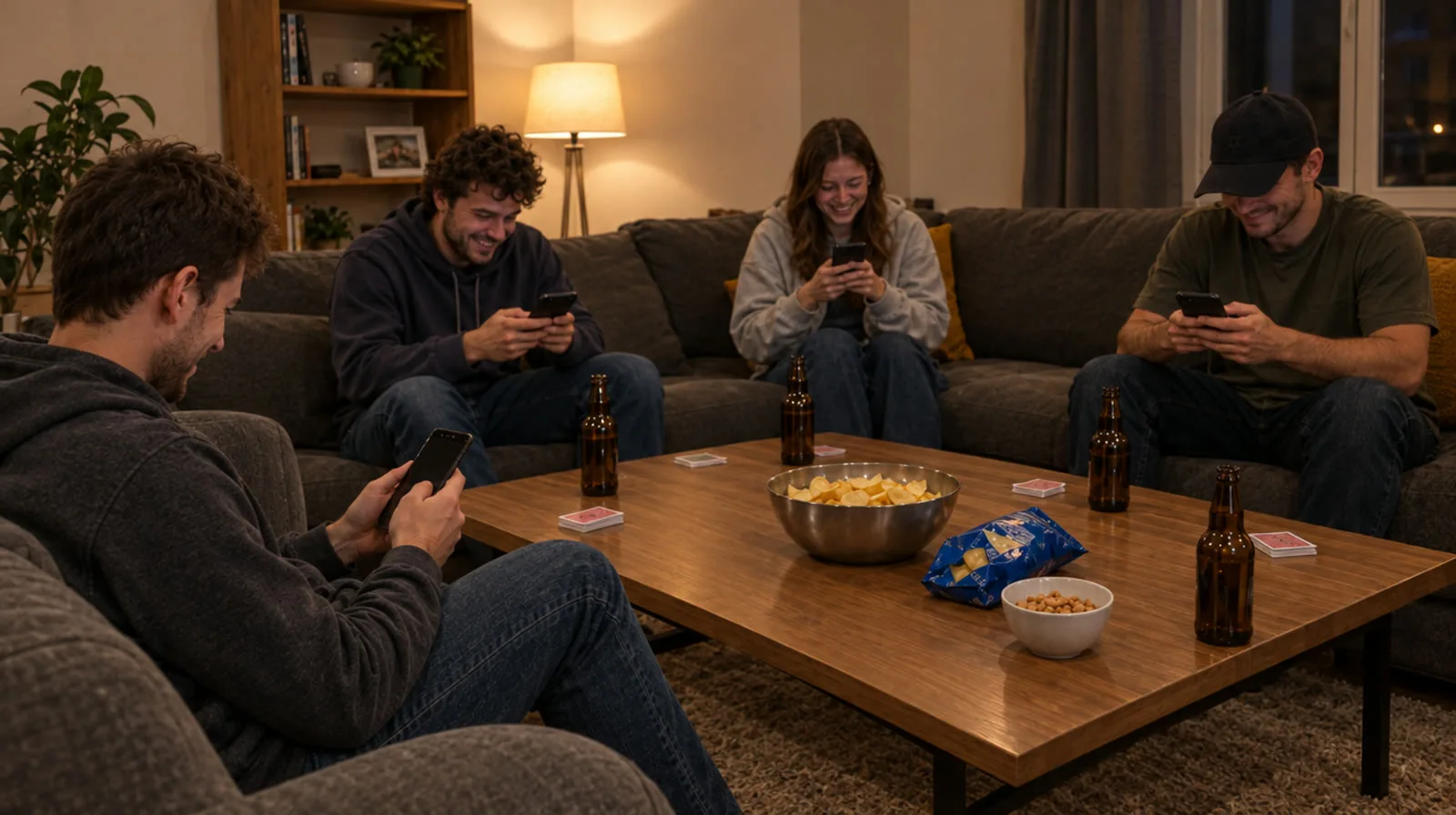
A poker night with friends is one of the best evenings there is, until someone has to host, find the chips and shuffle every hand. With a private room on Poker.mt you skip all of that. Here's how to set one up in under a minute.
1. Create your room
Sign in, open the lobby and choose Create a private room. Give it a name your group will recognise, like "Friday Night Game".
2. Pick the game and the stakes
Choose the game (No-Limit Hold'em and Pot-Limit Omaha are favourites), the number of seats and the blinds. You can let AI opponents fill empty seats if you're short of players, switch table chat on or off, and add a password if you want to be extra private.
3. Share one link
Your room gets its own invite link and code. Send it in your group chat: your friends tap it and sit down straight away, on their phone or their computer. Nobody needs to download anything.
4. Run the table
As the owner you can pause the game for a break, remove a player, change the invite link or close the room when the night is over. Empty rooms close by themselves after a while, and everyone's chips go back to their wallet.
Tips for a great poker night
- Agree on a finish time before you start, so the game ends on a high.
- Start with Hold'em if some friends are new to poker, then try Omaha once everyone's comfortable.
- Use the leaderboard: private rooms keep their own standings for bragging rights.
- Keep it friendly: credits have no cash value, so the only thing on the line is the story you'll tell next week.
Ready? Open the lobby, create your room and send the link.